Online Favicon Downloader
Download website favicons in all available sizes
About Online Favicon Downloader
Online Favicon Downloader is a very simple,fast and handy tool for developers and designers to download favicons from any website. With just a URL our favicon extractor tool helps you to grab all the available favicons from a given website and provides you with the ability to download all the website favicons instantly.
How to use the tool
Downloading favicons has never been easiers!. Follow the steps given below to grab favicons from any website.
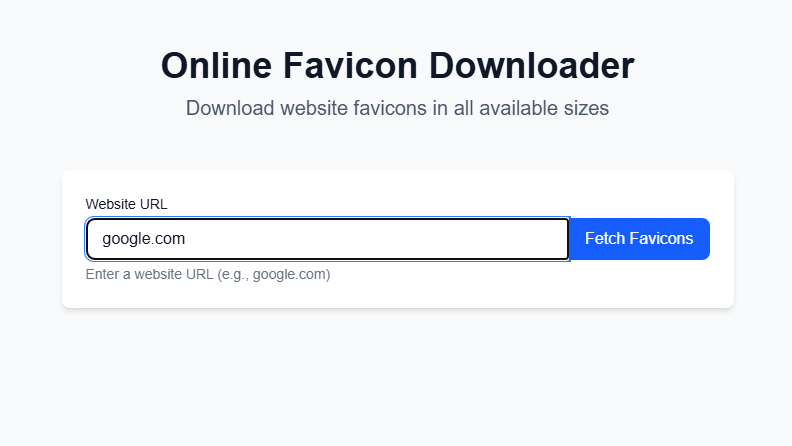
Simply type or paste the website URL from where you want to extract the favicon (e.g., google.com).
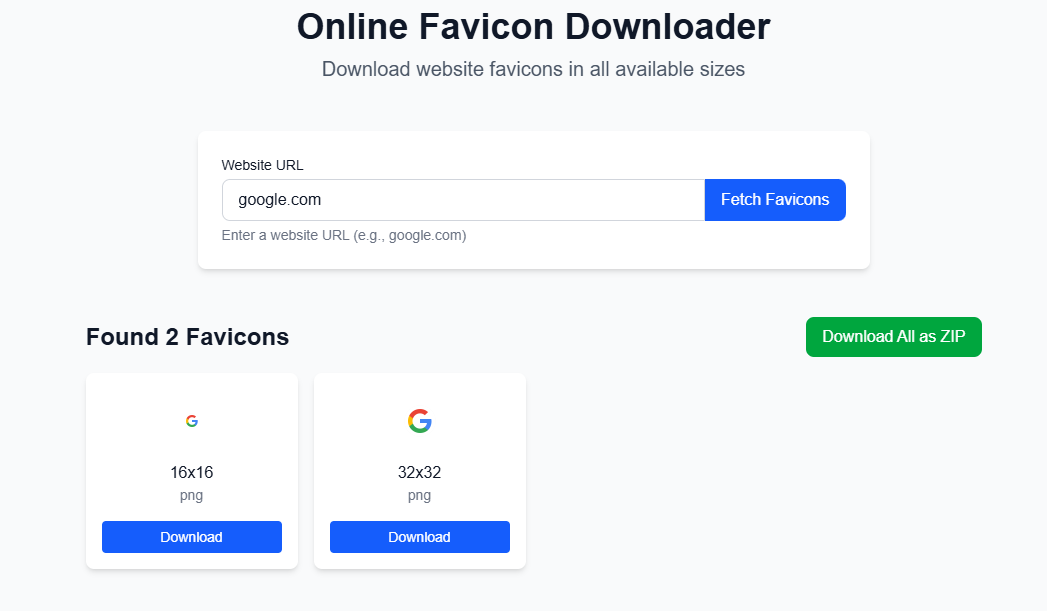
Click the "Fetch Favicons" button and wait for the tool to find all available favicon sizes and display to download.
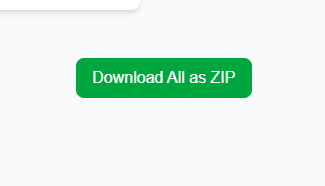
Once extracted, download individual favicons or get all sizes at once in a ZIP file
Benefits
With Online Favicon Downloader, you get a hassle-free way to access website favicons for any project.
Get Multiple Sizes
Access favicons in all available sizes from a single website.
Fast & Easy Extraction
It extract the favicon fast and easily and display the available sizes and formats.
No Code Digging
You dont have to go throught the codes to get the favicon urls and fetching the icons.
Competitor Analysis
This tool helps you to look at the design and do competitor analysis
Get All sizes and formats
You can extract the favicon of all sizes and formats available in the website.
Save your time
This tool save your time, one click and all the favicons are available for download.
Free & Easy
No sign-ups, no software downloads—just a free favicon extractor at your fingertips.
Frequently Asked Questions
What is a favicon?
A favicon is a small icon associated with a website that appears in browser tabs, bookmarks, search engine and other areas to help identify the site visually.
How do I download a favicon from a website?
Simply type or copy-paste the website url in the input field and click Fetchb Favicon button. It will download all the favicon availablein the website.
What sizes and formats are available?
Our tool fetch all available sizes (e.g., 16x16, 64x64) and formats (ICO, PNG, etc.) provided by the website.
What formats are supported?
Our tool supports various favicon formats including ICO, PNG, and JPG. We automatically detect and process all available formats.
Can I download multiple sizes of favicon?
Yes, you can download the favicons available in the given website individually or all at once using the "Download Zip" button.
Is there a limit to how many favicons I can download?
No, there's no limit. You can download as many favicons as you need, completely free.